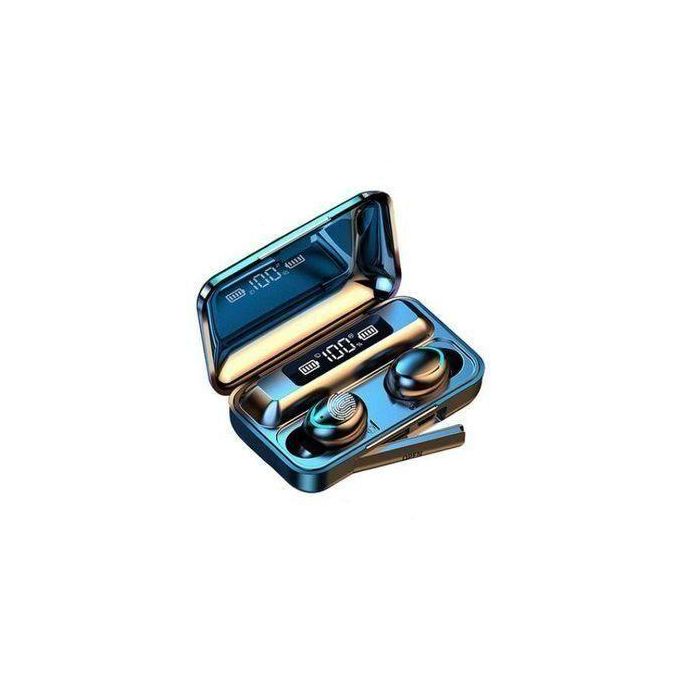
BT ConnectionWhen removed from the box, they automatically turn on and pair with each other. When the LED indicator of the left Bluetooth headset is off, the Bluetooth headset will automatically enter the pairing mode. On the phone, search for F9 and click to connect the phone to both Bluetooth headsets.Turn off the power to both Bluetooth headsets and press and hold their MFB for 20 seconds (the LED will flash red and blue, then turn off and flash red and blue three times after 10 seconds). Click and hold the two Bluetooth headsets for one second to turn on (the LED flashes red and blue twice), and the two Bluetooth headsets will automatically pair with each other. Then, when the LED of the left Bluetooth headset is off, the right Bluetooth headset will automatically enter the pairing mode (the LED flashes red and the aperture). On the phone, search for F9 and click to connect the two Bluetooth
Style: in-ear
 Safe Payment
 7 Days Return Policy
 100% Authentic Products


 english